Displays the field value as plain text with flexible formatting options.
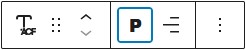
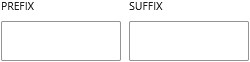
You can customize its appearance using typography settings such as font size, weight, and alignment. It also supports prefix and suffix values, allowing you to add text before or after the field output.
The text can be wrapped in different HTML elements, including headings, giving you control over its semantic structure. You can also adjust the text color directly from the block editor to match your design.
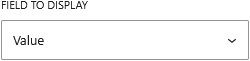
You can choose whether to display the value or the label. This setting works independently of the return format defined in the field settings, so you are not limited by how the field was originally configured.