The Gallery field is available only in the PRO version and allows you to display images from an ACF Gallery field as flexible, visual layouts directly inside the block editor.
When a Gallery field is selected, the images are loaded as a collection that can be rendered using different display modes. This makes it easy to present multiple images in a consistent and dynamic way without relying on custom templates or additional gallery blocks.
The Gallery field supports grid, carousel, and masonry displays. With these display options, the Gallery field is well suited for portfolios, product galleries, media showcases, or any image-based content where layout flexibility and visual presentation are important, all while remaining fully manageable from the block editor.

Display Options
Image Grid
PRO
Displays gallery images in a structured grid layout with consistent columns and spacing.
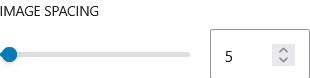
This option is ideal for clean and organized presentations where all images are given equal visual weight. You can control the number of columns and spacing between items, allowing the gallery to adapt across different screen sizes while maintaining a balanced layout.
Image Carousel
PRO
Displays gallery images in a horizontal slider that users can navigate.
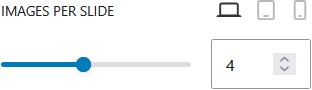
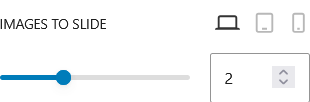
This layout is useful when you want to showcase multiple images without taking up too much space. Users can scroll or click through the images, making it ideal for featured content, portfolios, or highlights. It adds interactivity while keeping the layout compact.
Masonry
PRO
Displays gallery images in a dynamic layout based on their original proportions.
Instead of forcing images into equal heights, this option arranges them naturally, creating a more visually engaging and organic layout. It works well for galleries with mixed image sizes, giving a modern and less rigid appearance compared to a standard grid.